Press Start class and pick today's plan
Tick a lesson, a leadership scenario or two, a few live questions and a video. Cadet Foundry turns it into a run sheet — one button for each thing, in order.
For JROTC instructors
Cadets join from their phones by scanning a QR code. You press Start class and teach — lessons, leadership votes, live questions and videos, all from one screen. No accounts. No internet. Free during the pilot.
Windows laptop · works with any phone, tablet or Chromebook · everything stays in your classroom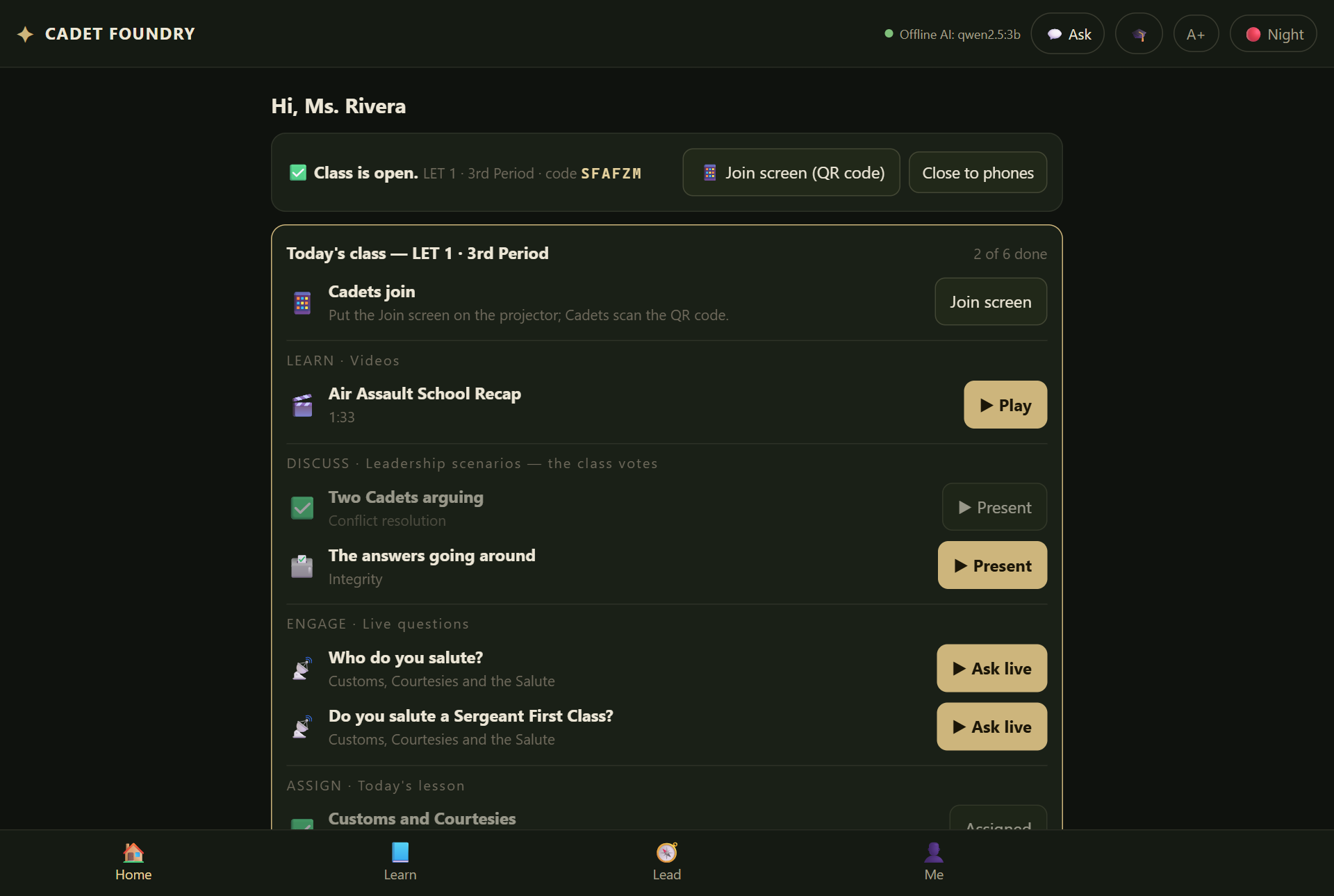
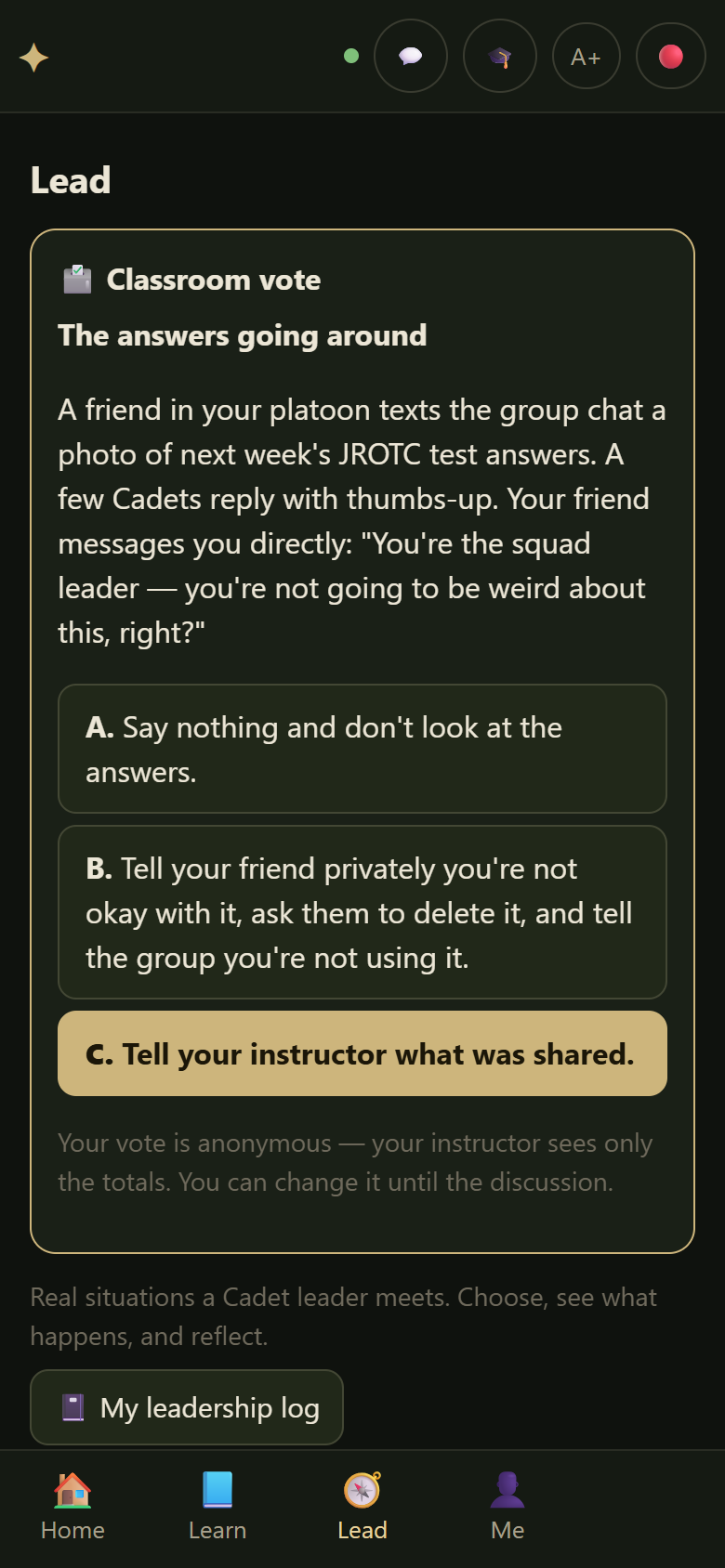
A class day
Tick a lesson, a leadership scenario or two, a few live questions and a video. Cadet Foundry turns it into a run sheet — one button for each thing, in order.
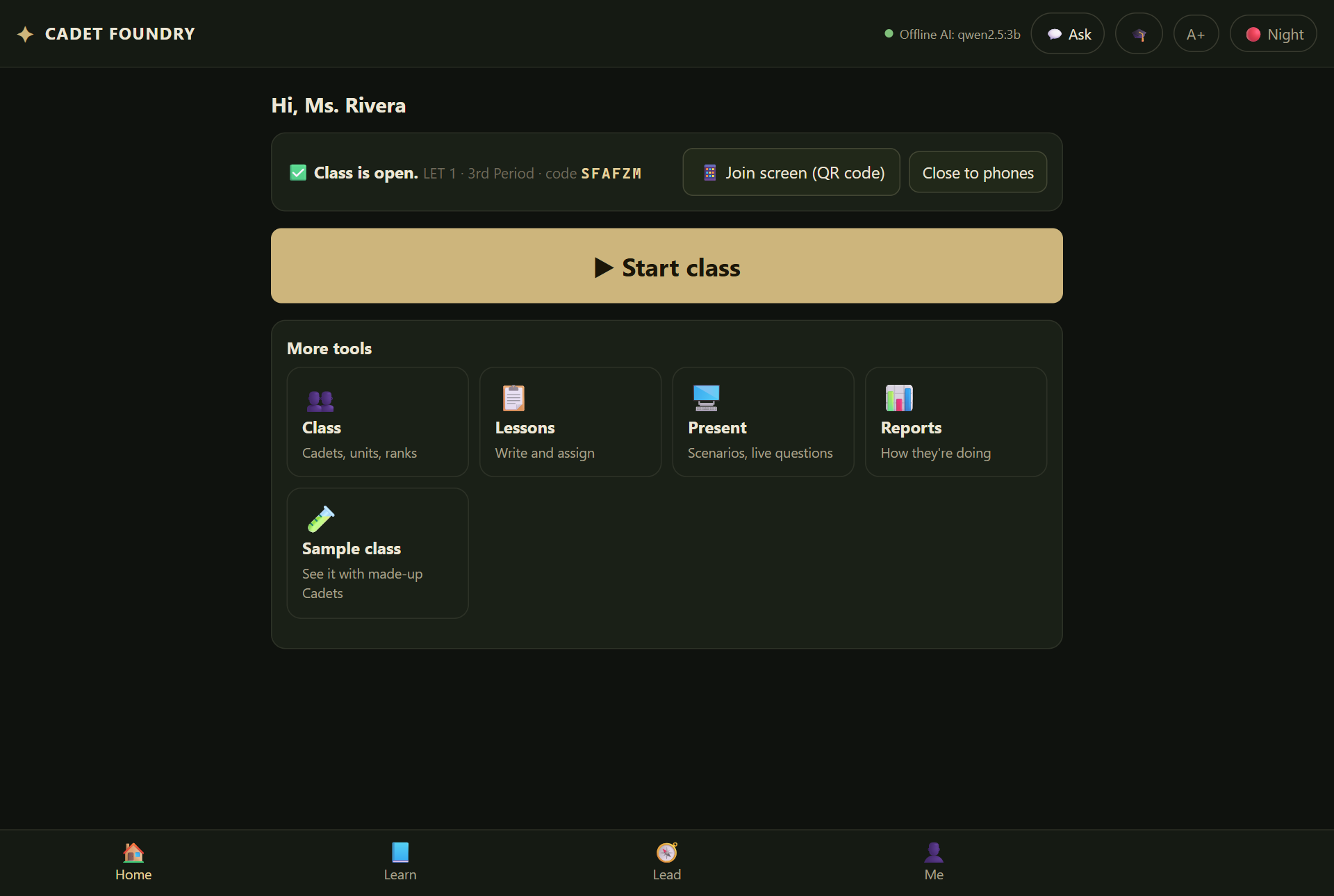
Put the Join screen up. Cadets point their phone camera at it, type their name and a PIN, and they're in — placed in your class automatically. About 30 seconds.
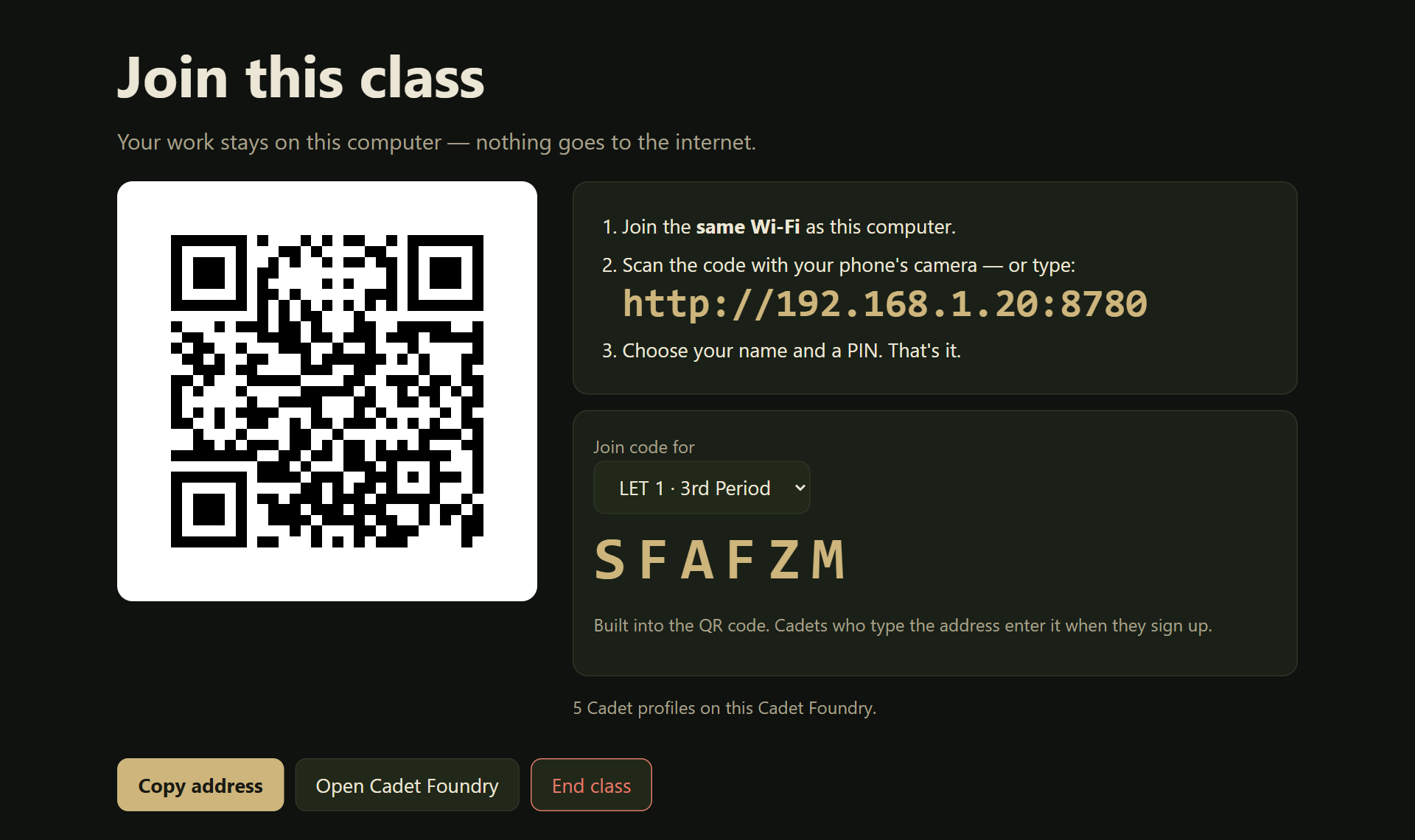
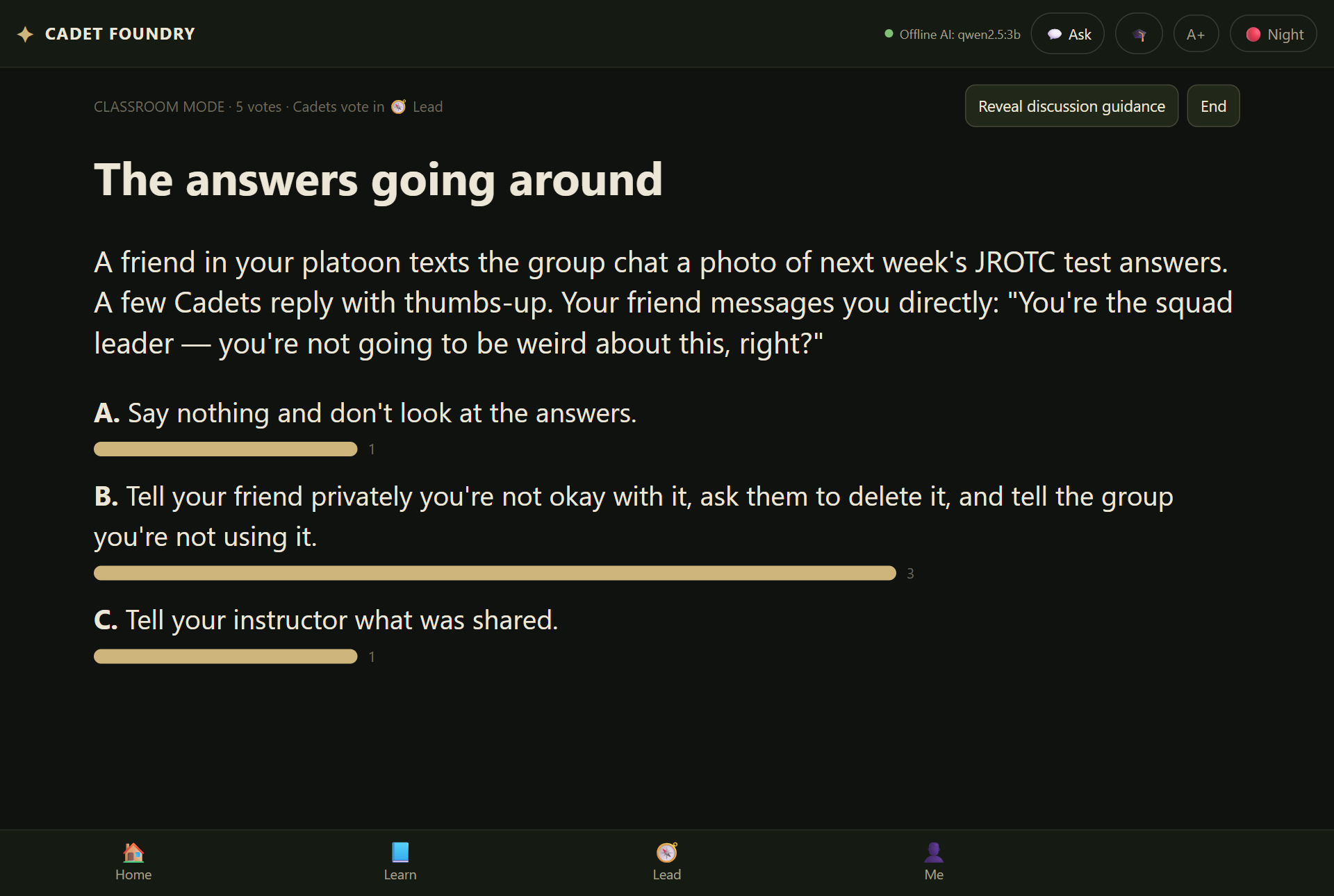
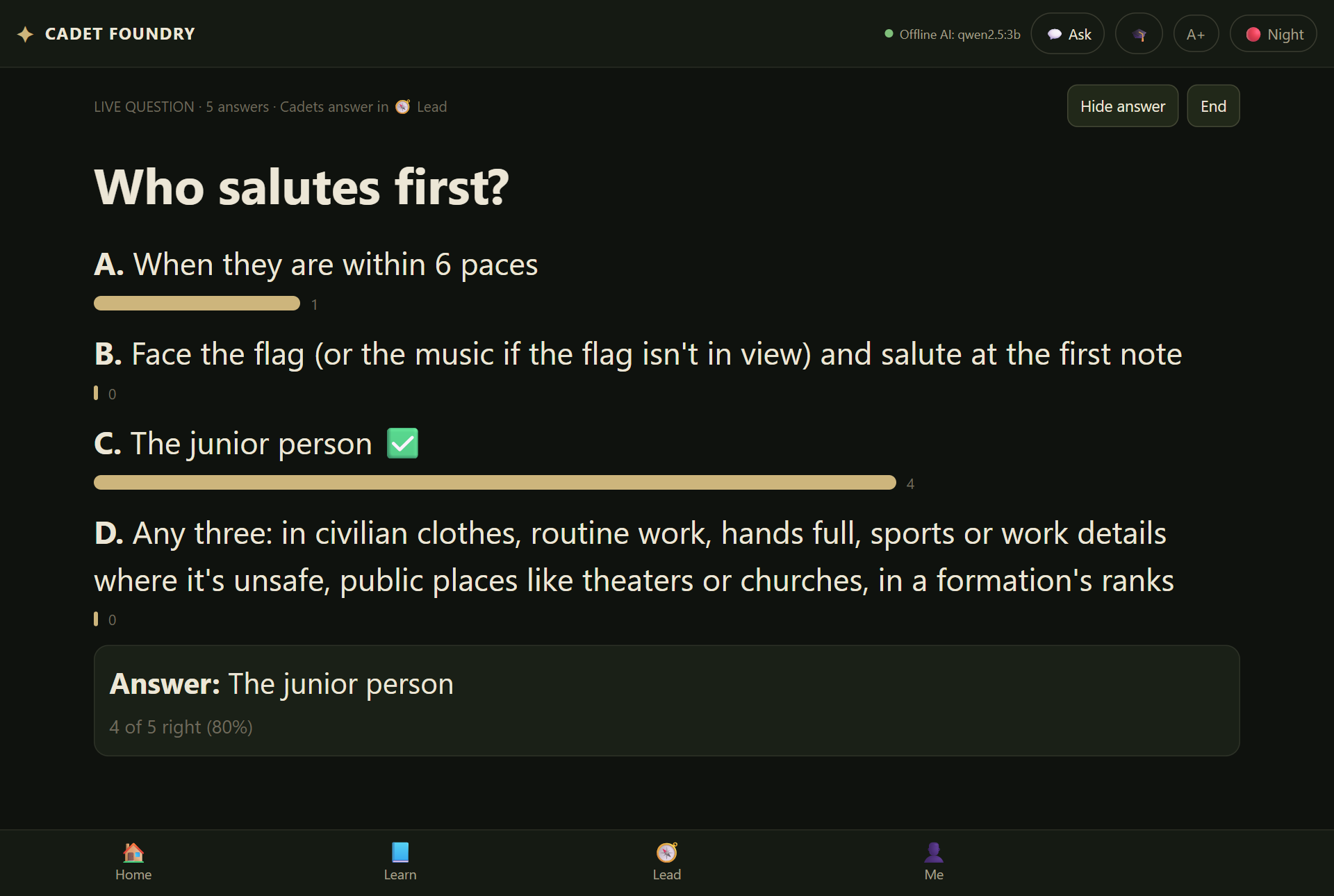
Put a leadership scenario on the projector and every Cadet votes from their seat — anonymously, so the quiet ones answer too. Reveal the discussion guidance when you're ready. Ask a live question and see who's got it in real time.
Built for the classroom
Cadet Foundry runs on your laptop. Cadets connect to it over your classroom Wi-Fi — that Wi-Fi doesn't need to reach the internet.
Everything you need for class runs with no internet connection at all.
Cadets sign in with a name and a PIN on your laptop. Nothing to sign up for, nothing stored online.
No advertising, no analytics and no data sent to us. We never see your Cadets' work.
You decide what Cadets get, when class opens to phones, and when it closes.
Why instructors use it
Start with 12 ready-made lessons and 20 leadership scenarios with debrief notes — or write your own once and reuse it every year.
Anonymous votes and live questions on their own phones. You see the whole room's answer, not just the front row's.
Everything stays on your laptop. No cloud, no accounts, no ads, no tracking. Each Cadet's work is locked with their own PIN.
Works in a classroom with no internet at all. Cadets only need to be on the same Wi-Fi as your laptop.
Army, Navy, Air Force, Marine Corps and Space Force study cards — each one names the official manual or page it comes from.
Nothing for your school to buy while we pilot Cadet Foundry with JROTC programs. Your laptop is the whole system — no server, no subscription to manage.
What's inside
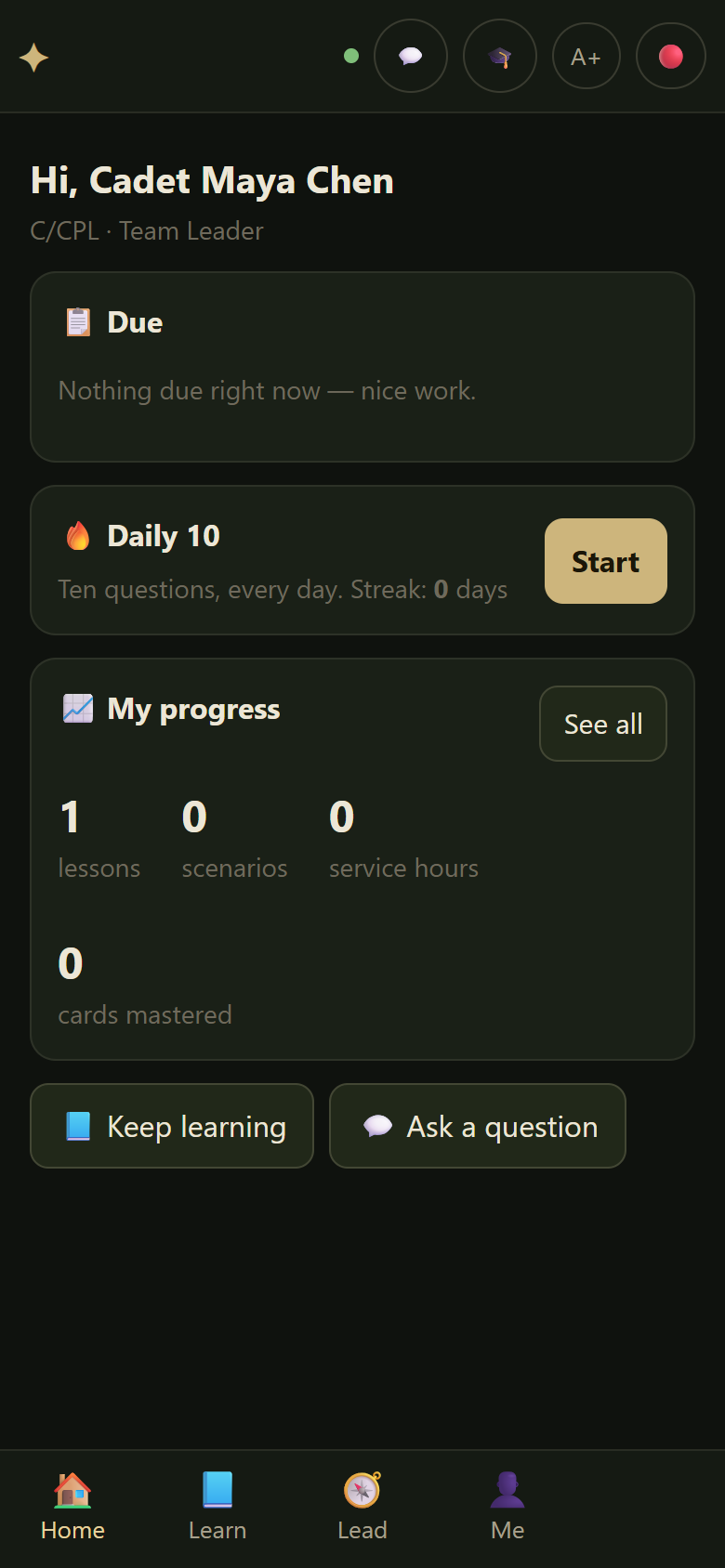
Cadets get their own Home screen: what's due, a Daily 10 quiz, and anything you start in class. They study every branch of service, take quizzes Cadet Foundry grades for them, and keep a leadership log.
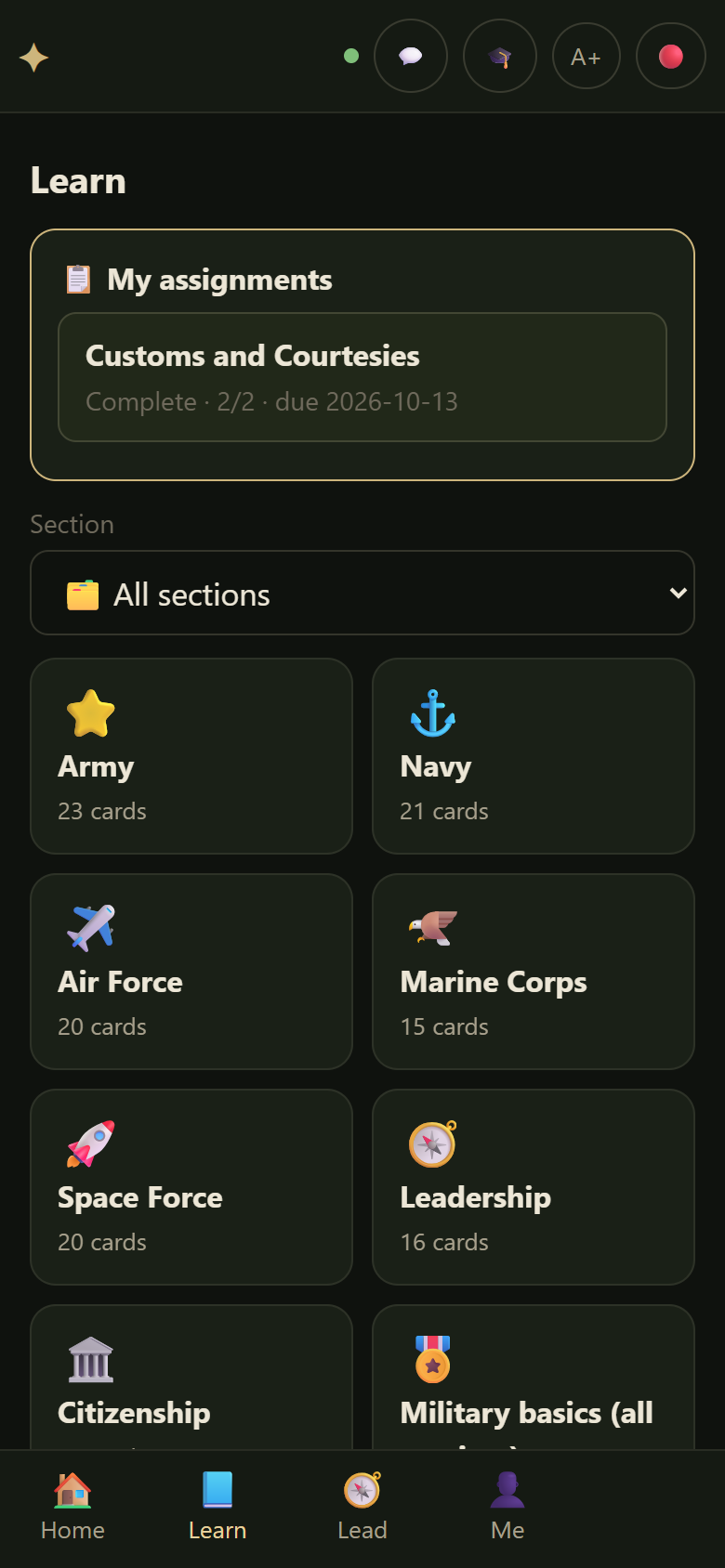
Write a lesson once, assign it to a class, see who finished.
Real situations a Cadet leader meets, with discussion guidance for you.
Practice tests with exact scoring and a jobs explorer for every service.
Growth over time, service hours you verify, and a portfolio a Cadet can print.
Set up
No admin password on most laptops. Nothing for Cadets to install. (If your school manages your laptop, IT may need to approve new software first.)
Click Next until it's done. A Cadet Foundry icon appears on your desktop. If Windows shows a blue box that says "Windows protected your PC", click More info, then Run anyway.
Just looking? Choose See a sample class to explore a finished class with made-up Cadets first. When you're ready, tick the box to agree to the Terms of use and Privacy notice, choose "I'm the instructor", pick your JROTC program, and make two PINs: a Class PIN that opens your class, and your own PIN. Write down the backup code it shows you.
It's on your Home screen in Cadet Foundry. The Join screen with the QR code is one tap away — put it on the projector, then press ▶ Start class. Your Home screen walks you through anything left to do.
Privacy, in plain words
Privacy notice → · Privacy and security details → · Terms of use →
Questions
Not during the pilot. Cadet Foundry is free to download and use while we pilot it with JROTC programs.
No. Your laptop runs everything. Cadets only need to join the same Wi-Fi as your laptop — that Wi-Fi doesn't need internet.
Any phone, tablet, Chromebook or school computer with a web browser. Nothing to install and no accounts to make — a name and a PIN.
A Windows laptop. (It also runs on Linux and a Raspberry Pi.) No special hardware.
Yes. Cadet Foundry can run from a USB flash drive with no installation, and each Cadet can have their own drive. Their work stays on the drive, locked with their PIN.
No. Cadet Foundry is designed to support JROTC instruction, but it isn't an official JROTC, military or school product, and it doesn't replace your program's curriculum. Study material comes from official public sources, and each card says which one.
Cadet Foundry is a free community project — the Cadet Foundry project. It isn't a company product. Questions, problems, or a copy for another instructor: support@cadetfoundry.org.
Yes. On Cadet Foundry's first screen, choose See a sample class. It opens a separate copy with eight made-up Cadets, lessons, scenarios and a pilot in progress. Leave it and nothing of yours has changed.
When they make their PIN, Cadet Foundry shows a one-time backup code. With it they can choose a new PIN — their work stays protected the whole time.
Download Cadet Foundry, set your Class PIN, and press Start class. If it doesn't make your day easier, uninstall it — nothing to cancel.
⬇ Download Cadet Foundry for WindowsFree during the pilot · version 0.2.5 · 24 MB · other downloads (zip for a USB drive, Linux, Raspberry Pi)
SHA-256 of the installer: 90c8ddc8377ca40cf1ade4c11d5c67461299429c42a7c55218f9fe41f121f6d4